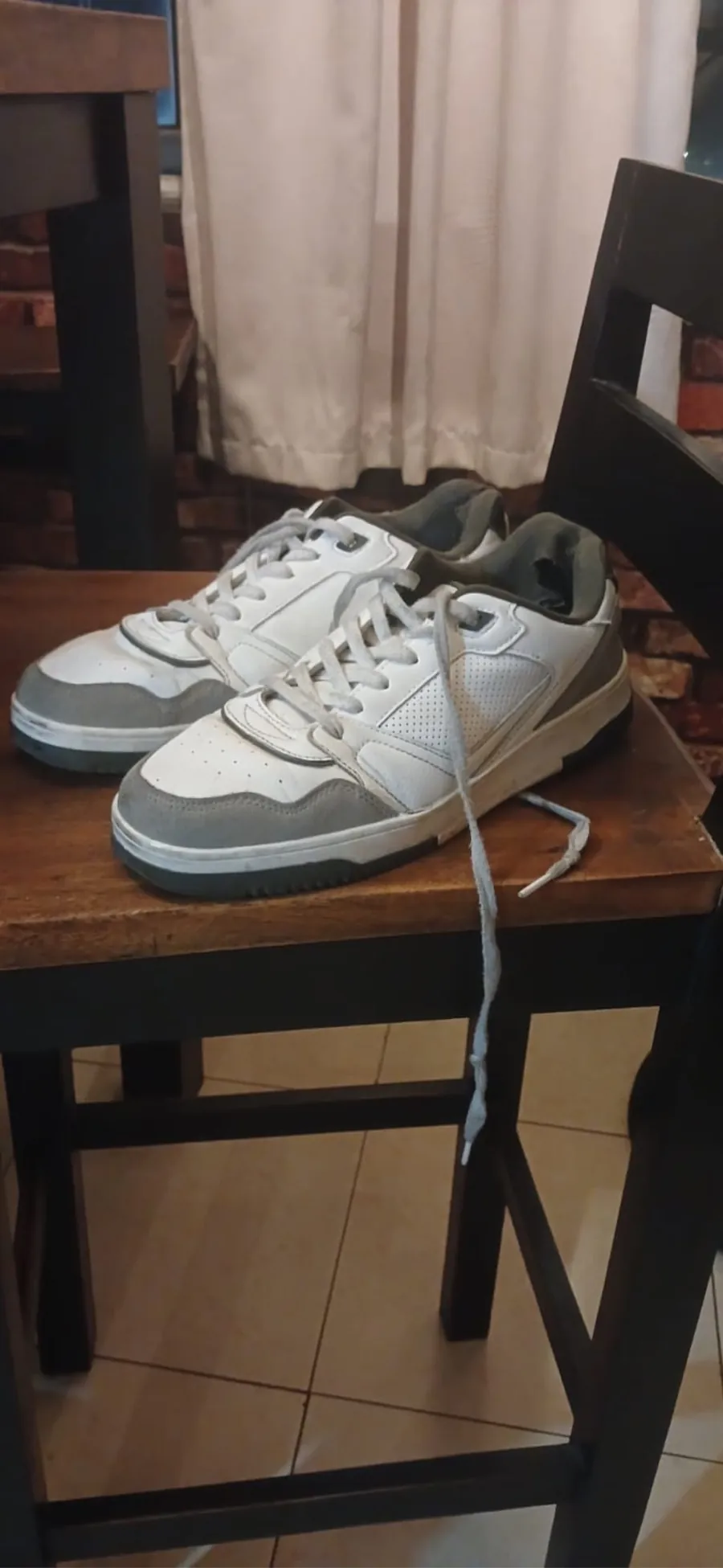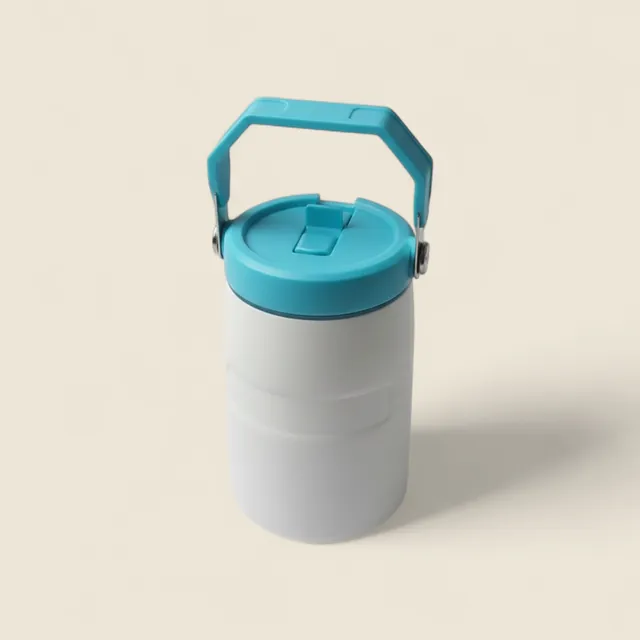
One photo.Ready to sell.

SnapSell writes the listing, cleans up the photo and posts it to Facebook Marketplace for you.

Download SnapSell on the App StoreGet SnapSell on Google Play

Free on iPhone and Android.

  1. 01Snap.Any light. Any background.
  2. 02Cleaned up.The mess melts away.
  3. 03Written.Title, price and description.
  4. 04Ready.Review it, then post.

Selling takestoo long.

You know the routine.

Typing every listing.

Title, size, condition, price. Then again for the next item.

“Available pa?”

The same question, all day, answered one chat at a time.

Photos that don’t sell.

Bad light and a messy room make good items look cheap.

How it works

Snap. Review.Post.

  1. 1SnapTake a photo, or pick one from your gallery.
  2. 2ReviewChange anything. Pick a quick-sale or market price.
  3. 3PostSnapSell fills in Facebook Marketplace for you.

SnapSell Shops

Your own shop.Built for you.

Everything you list lands in one shop, with one link to share.
1
photo to start a listing
3
steps from snap to posted
₱0
to download and start

Your next salestarts with a snap.

Download SnapSell on the App StoreGet SnapSell on Google Play